Most Bubble audits are a screenshot tour with adjectives. "Database looks okay." "Consider optimising searches." You can't make a decision from that.
Bubble itself is fine. SOC 2, encrypted at rest. The problem is settings. Privacy rules are open until you close them. The Data API is on by default. Two agencies I have no connection to both say about 80% of Bubble apps have a security hole the owner doesn't know about. That matches what we see.
And you built the thing, so you can't see it the way a stranger does. "The app works fine" is true until the day it isn't.
Here's what the report must cover.
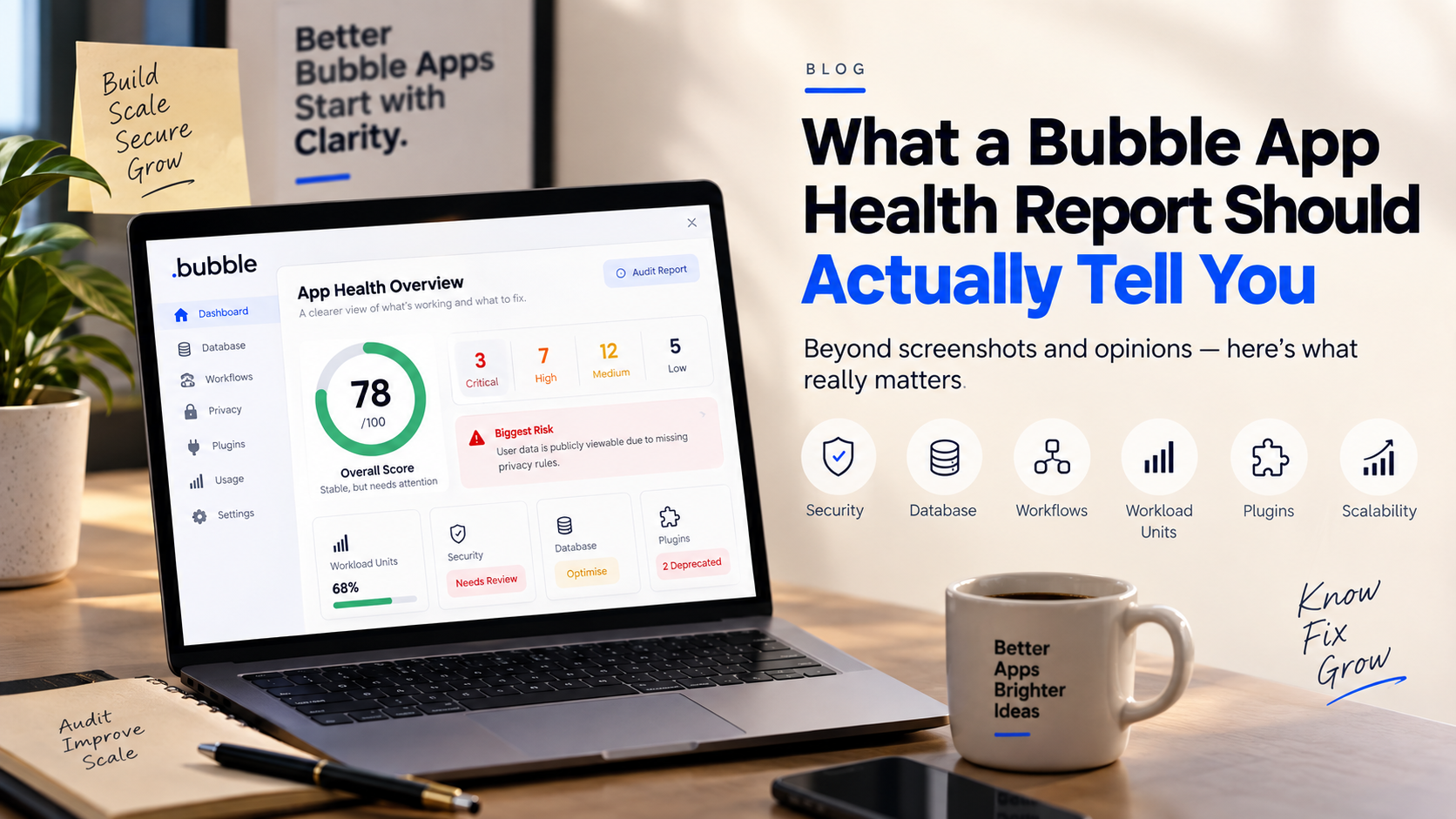
1. One page your CEO reads in 90 seconds
Score out of 100. Count of critical, high, medium issues. The single worst risk. Weeks to fix. A verdict in plain words: "stable for today's users, not ready past 2,000 MAU."
2. Security and privacy rules
Which data types have no rules. Whether User is set to "Everyone can view" (emails, phones, roles are public). Workflows running with "ignore privacy rules." API endpoints with no authentication. The auditor should log in as a nobody and actually try to pull your data. Reading the editor isn't a test.
3. Database structure
Lists nested three levels deep. Text fields that should be Option Sets. Images on the main User record. "List of things" fields over 500 items. A bad schema makes every search more expensive, every day.
4. Workflows
How many exist, how many are duplicates, how many "do when condition is true, every time" fire on page load, any recursive backend workflow with no exit. And payment workflows with no error handling when Stripe fails.
5. Workload units, line by line
Starter is $29 a month. Overages are $0.30 per 1,000 WU, no ceiling. In most apps five things eat about 70% of usage: an unfiltered dashboard search, a repeating group filtered client-side, a scheduled workflow every five minutes. The report should name yours from your own logs and estimate the saving. Half the time "we need a bigger plan" really means "we're wasting units."
6. Will it survive 10x
Plan concurrency ceiling. Single-page apps with 38 groups. Bulk operations running in the browser. 23 plugins, 9 unused, 2 deprecated. Deploys straight to live. Ask for a "what breaks first" order.
7. Things you don't control
Plugins are code you didn't write. Hardcoded API keys. Option Set attributes are readable by anyone, so check them for pricing and internal IDs. EU or health data? This is where GDPR lives.
8. A ranked plan
P0, P1, P2. Effort in days. Impact in plain words. "Privacy rules on User, Order, Invoice. Two days. Critical." The only page anyone opens twice.
Last thing, about you not the app. Sunk cost says "we already built it, it must be fine." Loss aversion means you'll fight a two-day fix harder than a six-figure breach. Know that before you read your own report.
A good audit doesn't make you feel bad about your app. It makes you precise about it.
Want your Bubble app scored across all eight sections? Get a free Bubble Health Score — we'll tell you where it stands and what breaks first.